




Google Labs just rolled out Gems, an experimental feature allowing users to make interactive AI-driven mini-applications right within Gemini on the desktop browser version. Gems turn simple questions into functional applications meant to assist users with everyday activities, ideas, and creativity.
What are Google Gems?
Gems are AI mini-apps developed using prompts. Instead of being given just one answer, they are provided with an interface they can use and edit, making Gemini more app-like and not just chat-based.
Some Classic Examples from Google Labs
Google Labs displayed several pre-existing Gems that showcased what could be done with them:
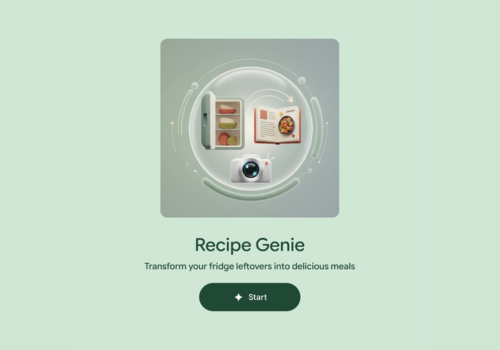
Google FinanceRecipe Genie Gem
Convert leftover foods from the refrigerator into personal recipes. This requires users to enter the description of ingredients or upload an image of them, which is editable and customizable within the mini-application to create the recipe.
Marketing Maven Gem
This is a Gem specifically created for content creators and marketers to help them devise ideas for their marketing campaigns and to overcome any creative blocks they may experience.
Claymation Explainer Gem
Explains complicated subject matter in an animated, claymation-infographic format for easier learning and teaching.
Build, Remix, or Start from Scratch
Users can:
- Begin with a pre-built Gem from Google Labs
- Remix an existing Gem to meet their requirements
- Make a custom Gem starting from scratch using the Gems manager in Gemini on desktop
Why This Matters
Gems indicate a change in the use of AI tools from just responding passively to actually being able to work with the AI interactively and reuse these workflows. By allowing a user to convert a query into a mini-app, Google is moving Guru towards a productivity tool that can change according to a user’s task or idea.
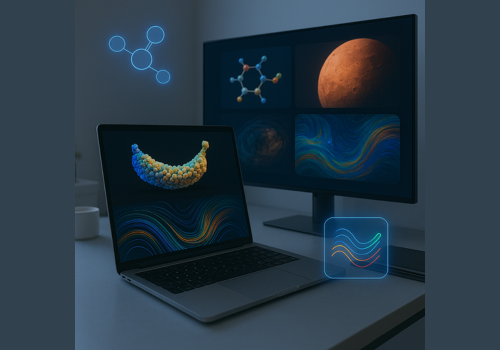

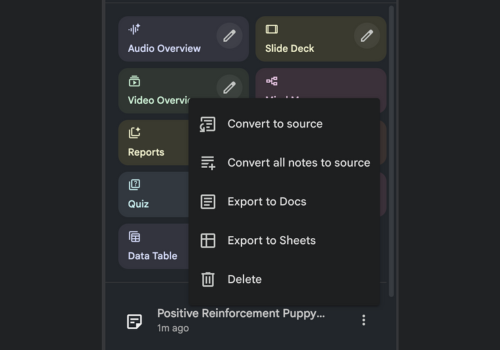
As more of these experimental Gems are rolled out, it gives one an idea of what to expect in a future world in which one is able to create their own AI without necessarily writing a single line of code.