




Google has rolled out a new creative feature in the Gemini app that lets users edit images using simple doodles and natural language instructions. Instead of complex tools or sliders, users can now draw directly on an image and tell Gemini what to change.
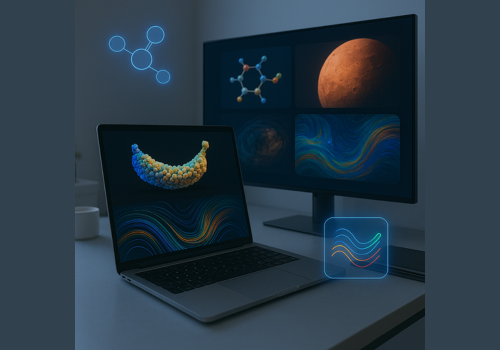
The feature is powered by Nano Banana, Gemini’s image generation and editing model, and is designed to give users more intuitive control over visual edits.
How It Works
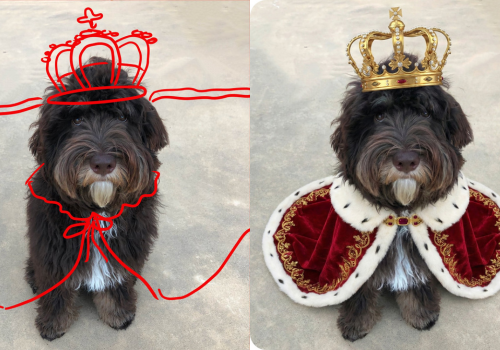
Users can upload an image, tap on it, and draw directly on the photo to indicate what they want to change. Gemini then interprets the doodle along with the written prompt and applies the edit.
For example:
- Drawing around a pet and typing “Add a crown and a royal-looking cape” results in a themed makeover
- Drawing an arrow next to a subject and prompting “Make him look in the direction of the arrow” adjusts the subject’s pose accordingly
This approach removes the need for precise editing skills, making image customization feel more like sketching an idea than editing a photo.
Why This Update Matters
The doodle-based workflow brings image editing closer to how people naturally think and communicate visually. It lowers the barrier for creativity, especially for users who want quick, expressive edits without learning professional design tools.
By combining visual cues with text prompts, Gemini continues to move toward more human, gesture-based AI interaction—where showing is just as important as telling.
How to Try It
- Open the Gemini app or visit gemini.google
- Select Create image
- Upload an image, tap it, and draw your edits directly on the photo
- Submit your prompt and let Gemini handle the rest
The update is now live in the Gemini app, giving users a more playful and precise way to edit images with AI.